
Minerva Hub
01The training manager
Oversee both training stations, their instructors and connected learners in one view.
Connect your XR setup to Minerva. Create, manage and run your entire simulation center — with one AI-powered platform.


 Hover over a screen to explore
 This example pairs a training manager with two instructor-led stations. Shape your own center around your teams, scenarios and training needs.
Oversee both training stations, their instructors and connected learners in one view.
Follow the patient and participants alongside the learner’s live headset view.
See the engine and trainee alongside their hands-on view inside the headset.
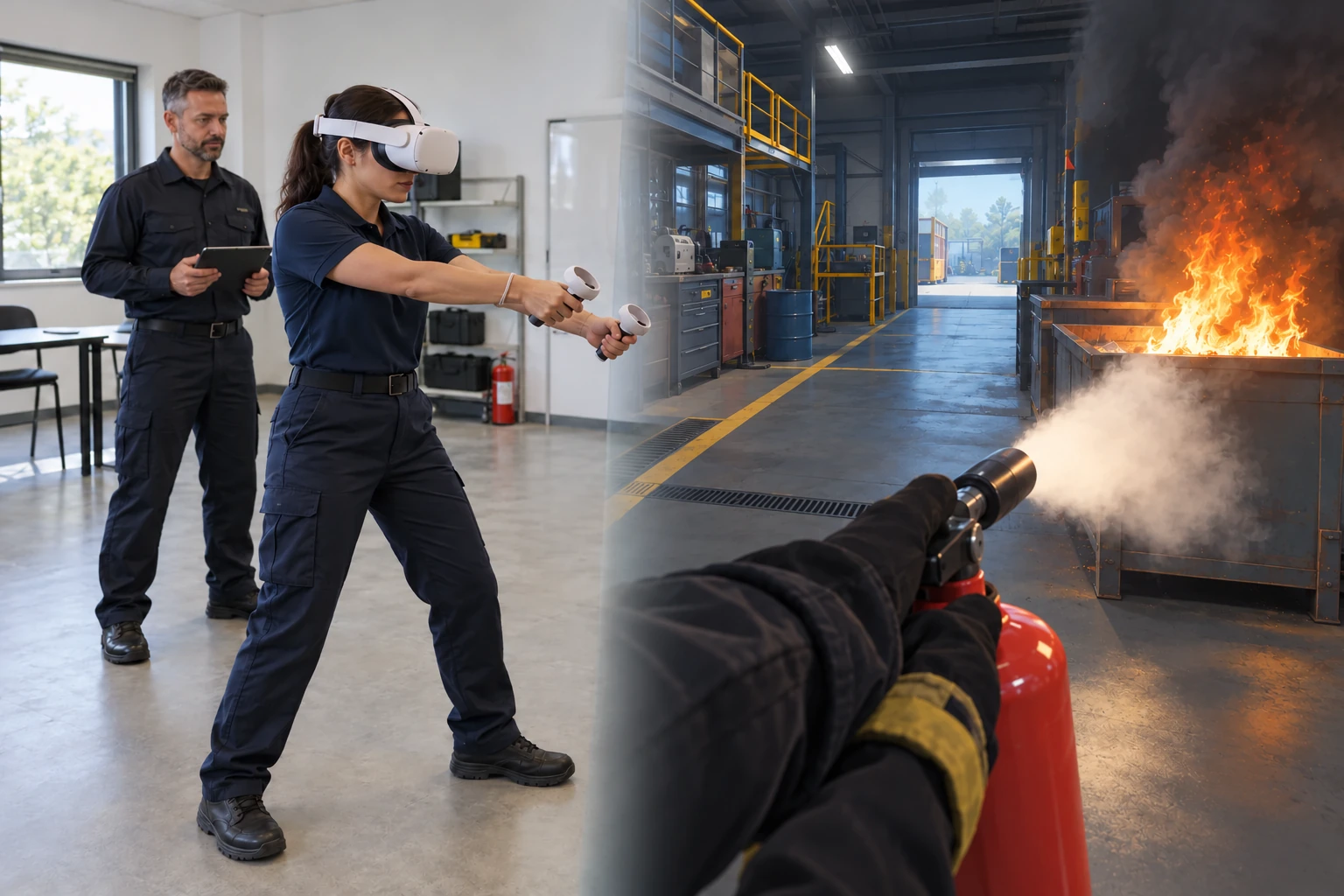
The value of immersive training: learning by doing, repeatable practice and space to reflect.
AI helps you create the scenario — and brings the characters inside it to life.
A silent demonstration of the Minerva AI Studio creation workflow. A chat prompt requests an ECMO medical simulation. The 3D workspace develops from an empty scene into a medical room with a patient bed, monitors and treatment equipment. The interface shows object libraries and controls alongside the scene as the user reviews the environment and its interactions. The closing view brings a computer, tablet and XR headsets together.
Turn your expertise into scenarios with AI chat. Create scenes, characters and interactive 3D objects — without code.
Connect the equipment, people and training.
Keep the operation in your hands.
 Minerva HubYour center, connected.
Capabilities vary by headset, application and configuration.
Examples of sectors already brought to life with the platform. Your field can be next.
Practice clinical decisions and procedures.
Rehearse the response before the emergency.
Learn the equipment. Master the sequence.
Build awareness, communication and coordination.
Minerva Hub and Minerva AI Studio in one subscription. Choose the capacity and organizational tools that fit your training.
Listed prices are in USD, before tax. Monthly: no annual commitment. Annual: paid upfront.
Annual savings apply to Creator and Center, compared with 12 monthly payments.
For individuals exploring simulation creation and practice.
Basic creation and manual practice in a personal workspace, with selected professional examples. No raw-media recording.
For independent creators and small training teams.
Build, run and review your own simulations, with 12-month results history and 30-day raw-media retention.
For one organization running a simulation center.
Coordinate training days and content approvals, manage your center, and follow learning outcomes with 24-month results history and 90-day raw-media retention. Storage and trainee capacity still apply.
For organizations coordinating training across multiple sites.
Share training across a network while each site manages its own operation. Includes 36-month results history and 90-day raw-media retention. Storage and trainee capacity still apply.
For larger organizations with centralized governance and service needs.
A defined base package for large deployments, with 60-month results history and 90-day raw-media retention. Private cloud and requirements beyond the standard service scope are quoted separately. Storage and trainee capacity still apply.
One shared training capacity. “Trainees at a time” counts active human trainees across your sites and exercises — on a desktop or in XR. Instructors and observers count only when participating as trainees. Capacity across the organization is separate from the supported group size in one exercise.
Selecting a plan sends an access request. No payment is taken on this website.
| Included in your plan | Free | Creator | Center | NetworkCustom package | EnterpriseCustom package |
|---|---|---|---|---|---|
| Active human trainees, across the organization | 1 | 2 | 6 | 24 | 100 |
| Sites included | Personal workspace | 1 | 1 | 3 | 10 |
| Creators and instructors | 1 | 2 | No fixed cap | No fixed cap | No fixed cap |
| Active projects | 3 | 20 | No fixed cap | No fixed cap | No fixed cap |
| Total storage, including media | 2 GB | 50 GB | 250 GB | 1 TB | 3 TB |
| Results history by default | 30 days | 12 months | 24 months | 36 months | 60 months |
| Raw-media retention | Recording not included | 30 days | 90 days | 90 days | 90 days |
| Included AI usage credit | $10 once, valid 90 days | $30 / month | $150 / month | $500 / month | $1,500 / month |
| Identity | Standard sign-in | Standard sign-in | SSO | SSO | SSO + SCIM |
| Export and integration | Recent results | CSV | CSV + xAPI | LMS + API | Full integration + policy controls |
Storage includes media. Recording is off by default, and organizations can choose shorter retention. No fixed creator or project cap does not remove storage or trainee-capacity limits.
Use AI for creation, responsive characters and debriefing. The included credit is a usage allowance, not a cash balance. Manual and scripted training remain available without AI credit.
Free includes $10 once, valid for 90 days. Paid plans receive monthly credit with no rollover, including on annual subscriptions.
See the estimated cost before an AI action. Extra credit is available in $10, $50, $100, $500 and $1,000 amounts, valid for 12 months. Automatic top-ups are off by default.
Usage is charged at the measured provider cost × 3 under the displayed rate table, before tax. Alerts at 80% and 100%; new unapproved spend stops at the allowance. Minerva-caused retries are not charged again.
Professional content packs are available as optional additions to your subscription. Contact us to explore what fits your training needs.
Explore content optionsNeed more capacity or personal guidance? Contact us to discuss an arrangement tailored to your organization.
Discuss your needsA 30-day organizational trial: 1 site, 6 trainees at a time, 20 GB storage, $50 AI credit and sample professional content. No credit card required.
Existing agreements retain their agreed terms. Find the right fit
One platform for your simulation center and the simulations inside it. Minerva Hub manages people, sites, devices, training days and learner records. Minerva AI Studio creates, runs and debriefs the simulation, including live instructor control.
No. Start from a template or build around your own learning goals with visual and AI-assisted tools in Minerva AI Studio. Review and refine AI suggestions before applying them. General creation and manual practice are available in every plan.
No. Minerva brings simulation creation, delivery, debriefing and center management together. Connect your compatible equipment and use the platform independently; professional packs and personal guidance are optional.
No. The platform supports training across sectors. Create training around your own organization’s scenarios and procedures, with optional professional content packs available separately.
No. Trainees can take part through supported XR equipment or a desktop role, depending on the scenario. Desktop operations trainees and VR field trainees can work in the same exercise. Minerva connects to compatible equipment; hardware is separate from the subscription.
Yes, with supported devices and integrations. Compatibility depends on the headset model, input method, application and setup. CSV export starts with Creator, xAPI with Center, and LMS/API integration with Network. Contact us about your specific configuration or a new integration.
It is the number of people actively training across your organization, shared between sites and exercises. A desktop trainee and a VR trainee each use one place. Instructors and observers do not use trainee capacity unless they take a trainee role. Capacity across the organization is different from the supported group size in one exercise.
AI assists creation, interprets spoken instructions for virtual characters, and helps prepare debriefs. Hands-on and scripted training remain available without AI credit. Each plan includes a defined allowance; additional credit requires approval and automatic top-ups are off by default. Instructors review AI recommendations against the evidence.
No. You can use the platform independently. Professional content packs and personal guidance are optional additions. Contact us to discuss what fits your organization.
Yes. In Minerva AI Studio, follow participants and their headset views, adjust conditions, introduce events and guide the exercise as it unfolds. The debrief connects actions and instructor interventions with the learning goals.
Yes. Creator and Center offer monthly billing with no annual commitment, or annual billing paid upfront at the listed price. Listed prices are in US dollars before tax. For Network and Enterprise, contact us for a tailored package and agreed billing terms. Existing customer agreements remain in place until renewal unless a change is agreed in writing.
Bring your training goals. We’ll help you find your starting point.
A 30-minute live walkthrough with the Minerva team — tailored to your simulation center.
Before you write — common questions
Already a customer? Ask us for your sign-in
Prefer email? contact@minervaxr.com
